Proma is a platform for building custom business tools that fit your needs. It connects, coordinates, and manages all parts of your organization. You assemble Proma into exactly the tool you need, whether that's a CRM, a project management system, an inventory tracker, or something unique to your industry.
Most businesses run their work across several disconnected tools. Orders live in a CRM, inventory in an ERP, billing in accounting software, and your team moves information between them by hand. Proma removes that manual work by connecting your processes end to end, so orders trigger inventory checks, shipping updates reach customers, and approvals go to the right people automatically.
Unlike traditional software that forces you to adapt your processes to its limitations, Proma gives you the pieces to build systems tailored to your business. It combines the flexibility of custom development with the simplicity of no-code tools, and built-in AI helps you build systems from a plain-language description.
A quick look around
Your Home screen is the starting point for everything in Proma.
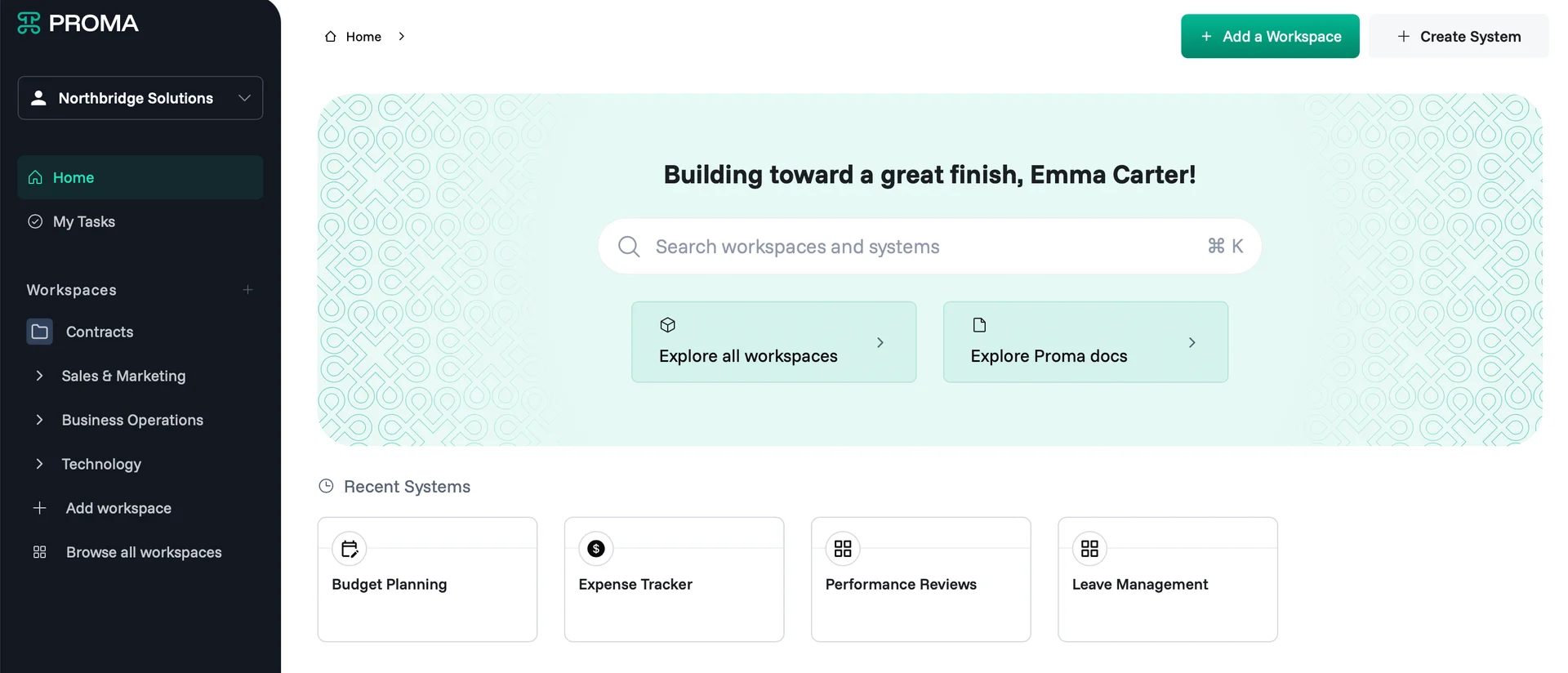
A workspace is like a folder that holds all the systems for a specific project, department, or team. Related workspaces can be grouped under labels called collections. You can learn more in Workspace.
A system is a custom tool you build and use, like a CRM, a booking tracker, or an order manager. Your pinned and recent systems appear on Home so you can jump back into your work quickly.
Search finds any workspace or system by name. Click the search bar or press Cmd + K (Ctrl + K on Windows).
My Tasks in the sidebar is your personal to-do list.
Building your first system
When you're ready to build, use + Add a Workspace to create a new workspace or + Create System to build a new tool.
Every system is built from a few building blocks. Datasets store your data, Interfaces display it, Automations automates the process and Logic Composer controls how it all behaves. You'll learn each one in Intro to System.
Next steps
Ready to start building? These articles will help:
Set up your account : Create your organization and invite your team.
Workspace : Organize your projects, clients, and teams.
Intro to System : Learn the components you'll build with.
Have questions? Our team is ready to help at support@proma.ai.