A system is what you build in Proma: a set of connected building blocks that runs one of your business processes, like order tracking, hiring, or inventory management. Systems live inside your workspace, and you can create as many as you need.
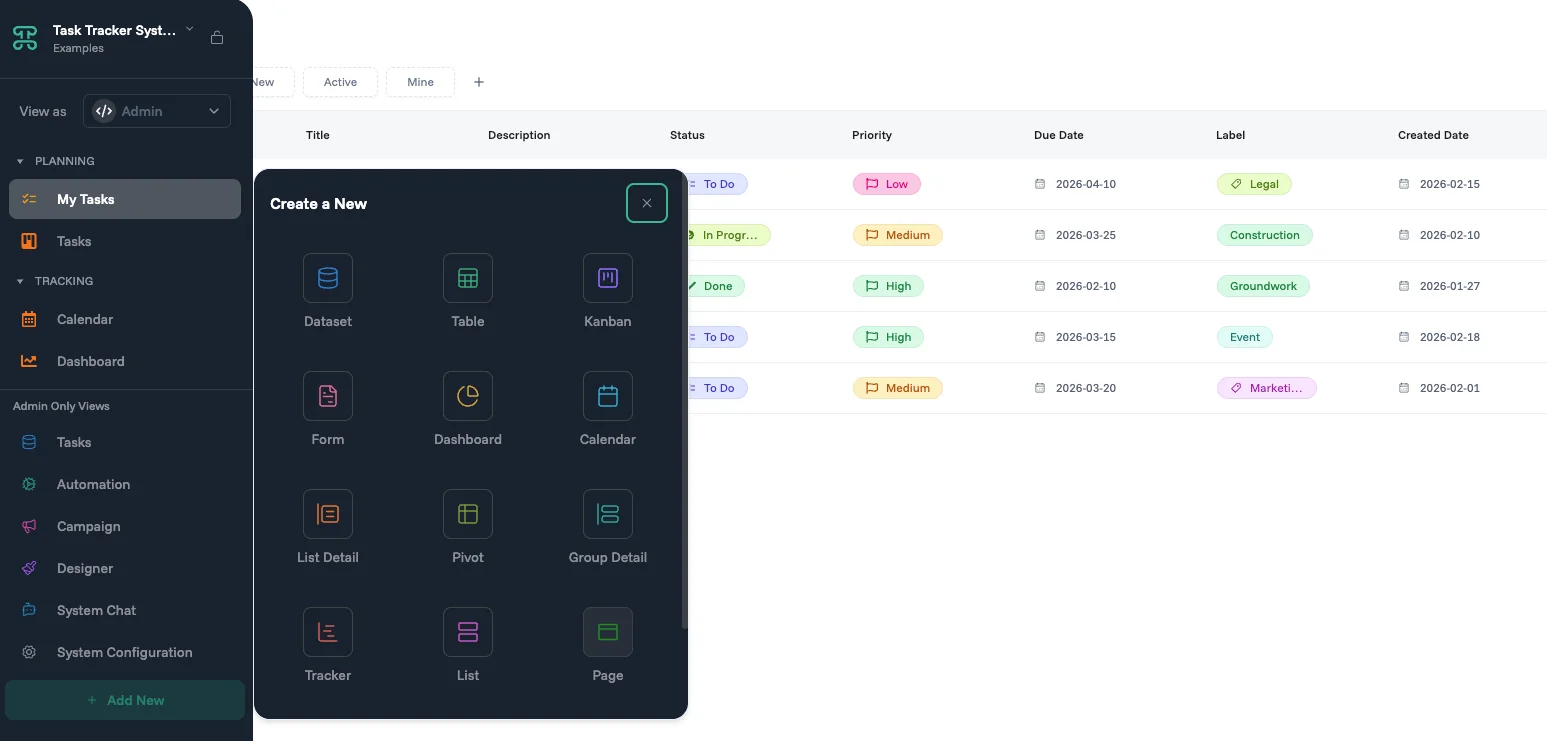
Every system is built from the same core components. Datasets store your data, interfaces display it, automations act on it, and logic controls how it all behaves. You can build from scratch or let Proma's AI generate a starting structure from a plain-language description, which you can then edit freely.
System Components
Dataset - A smart table that stores your business data in rows and columns. Unlike a spreadsheet, a dataset understands your data: it validates entries, enforces business rules, and connects related information across your system automatically. Columns can also do work for you.
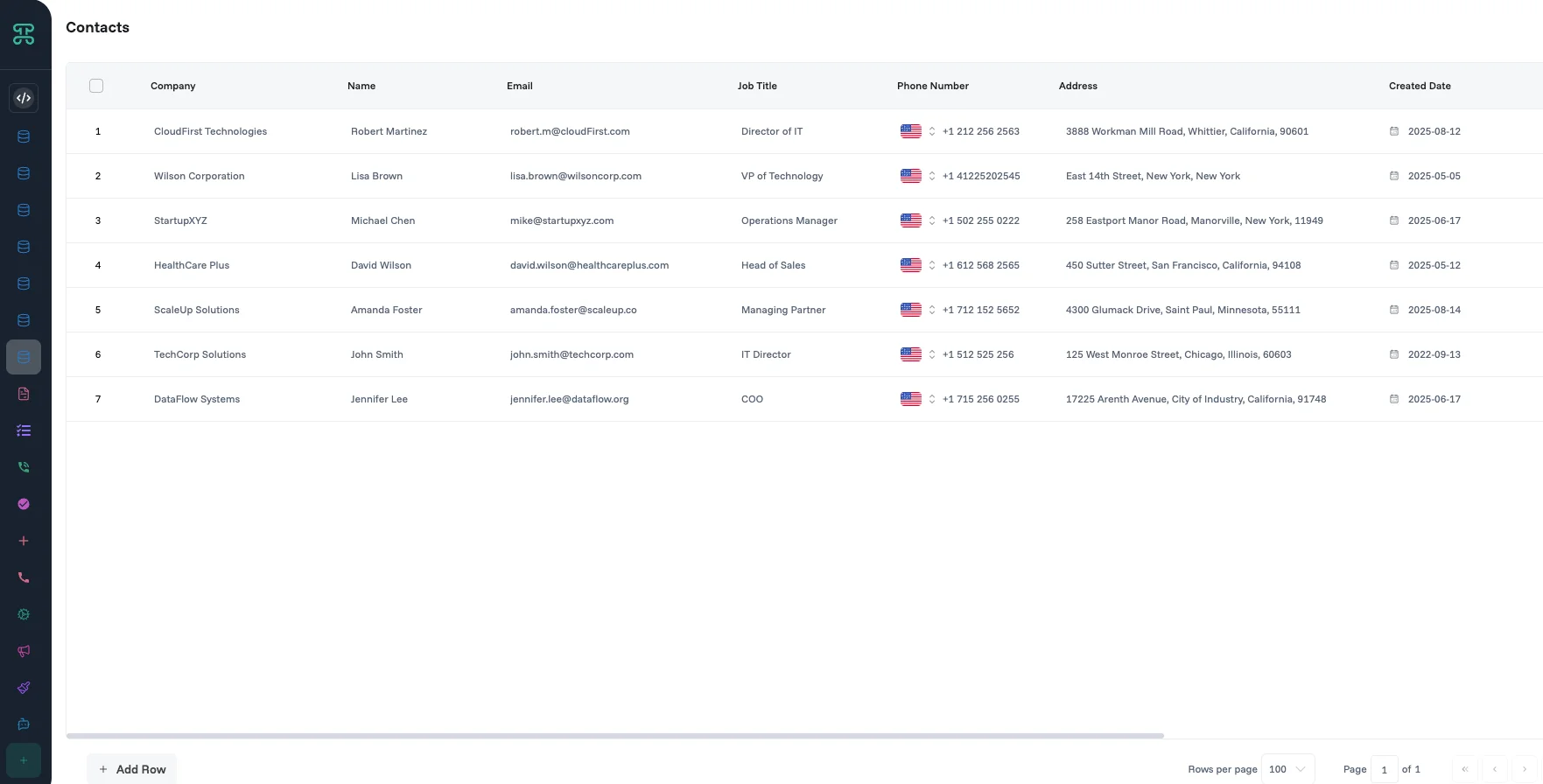
Interface - Multiple ways to visualize and interact with your data, including tables, kanban boards, calendars, forms, and dashboards. Each view is optimized for a specific task while working with the same underlying data.
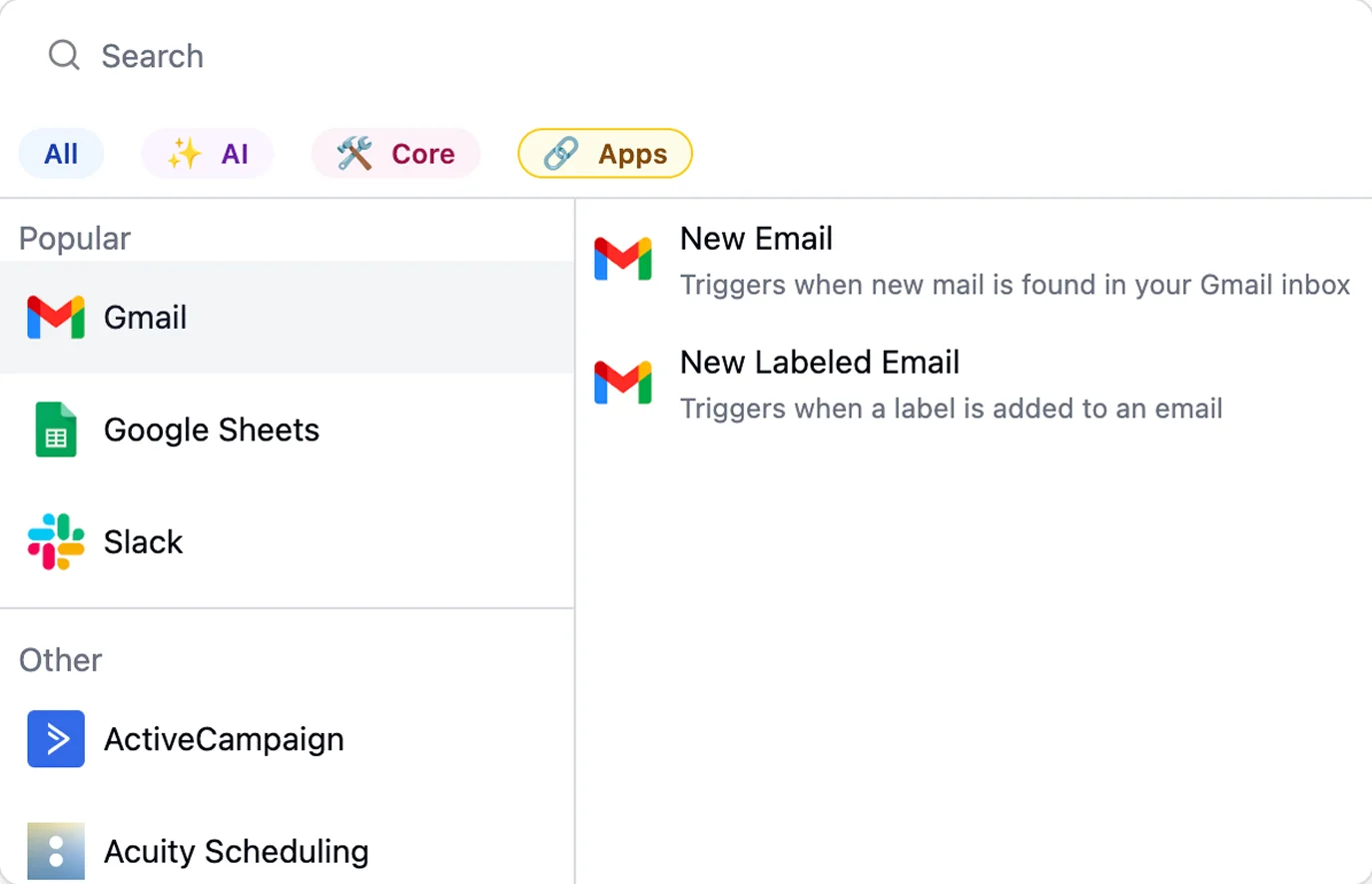
Automation Engine - Rules that run on their own. When something happens, like a form submission, a record update, or a deadline, Proma automatically sends an email, updates a field, generates a document, or triggers an approval. No manual follow-up needed.
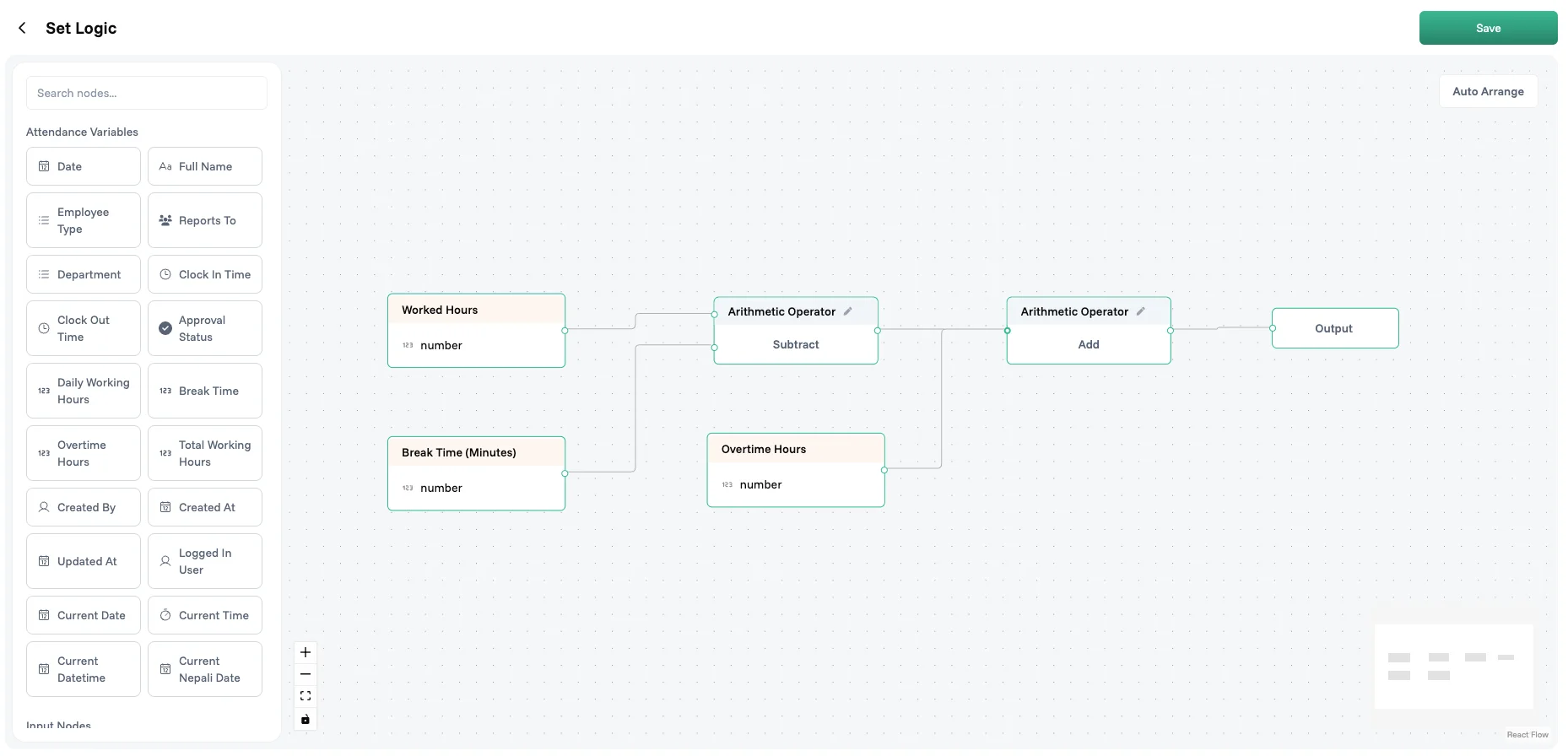
Logic Builder - Business rules embedded directly in your data. Set conditions like "require approval if amount exceeds budget" or "auto-calculate total from line items." Logic runs everywhere: in forms, tables, and automations.
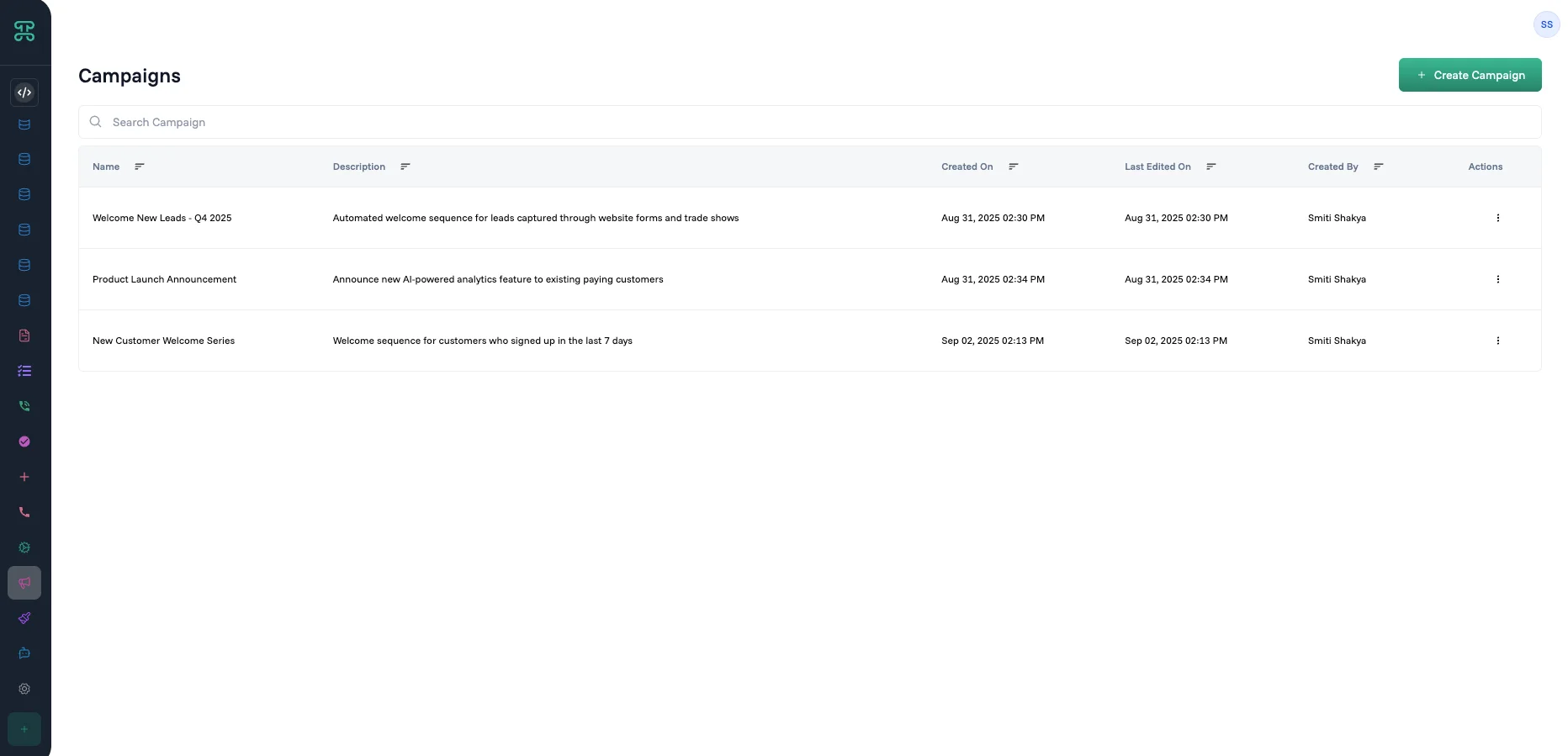
Proma Campaign Email and communication sequences for outreach, onboarding, or follow-up, built directly into your system without a separate email tool.
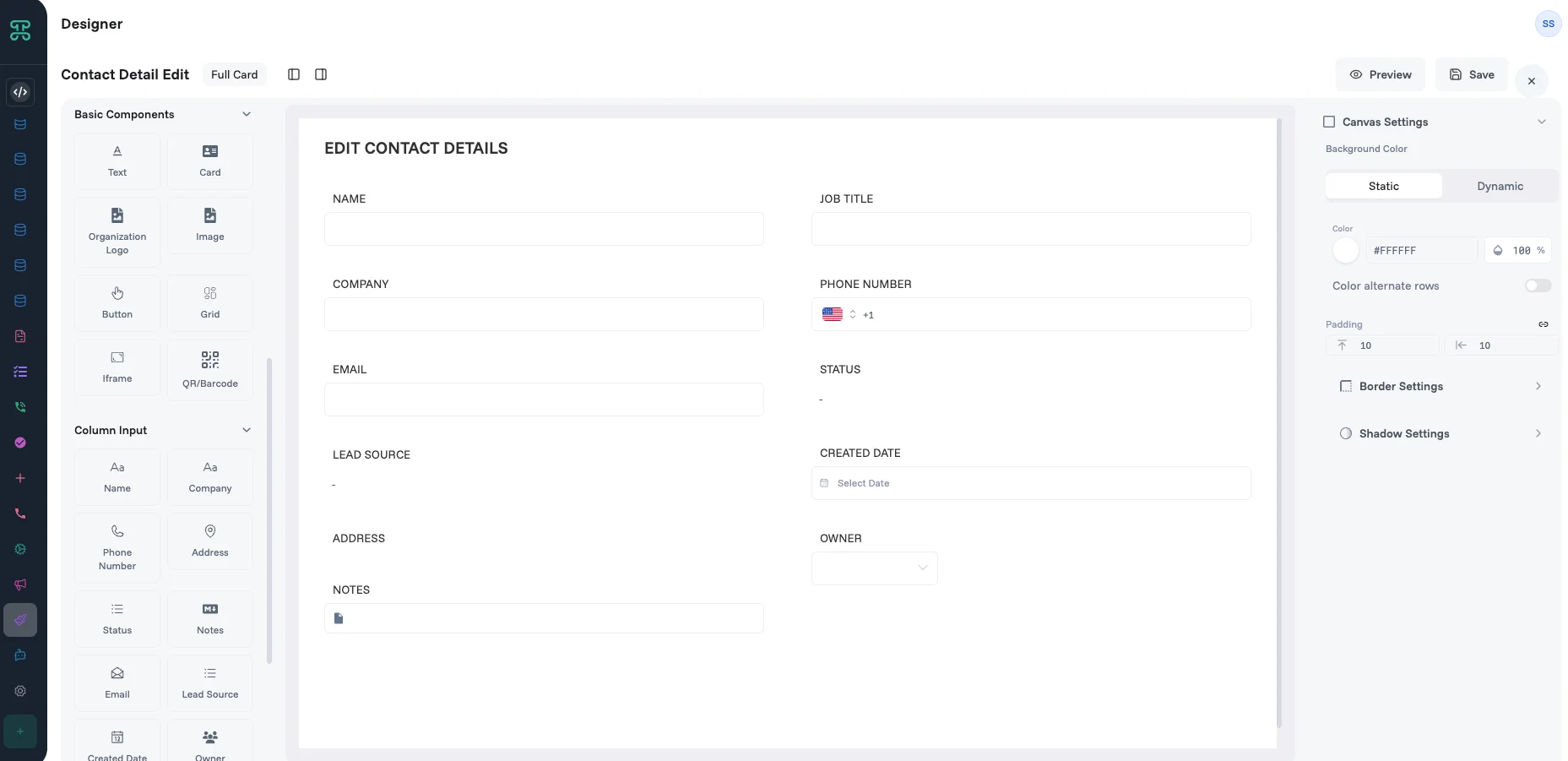
Designer A canvas editor for designing how your records look in card-based interfaces. Create design templates that control the visual appearance of a record, used by your list, kanban, and other card-style views.
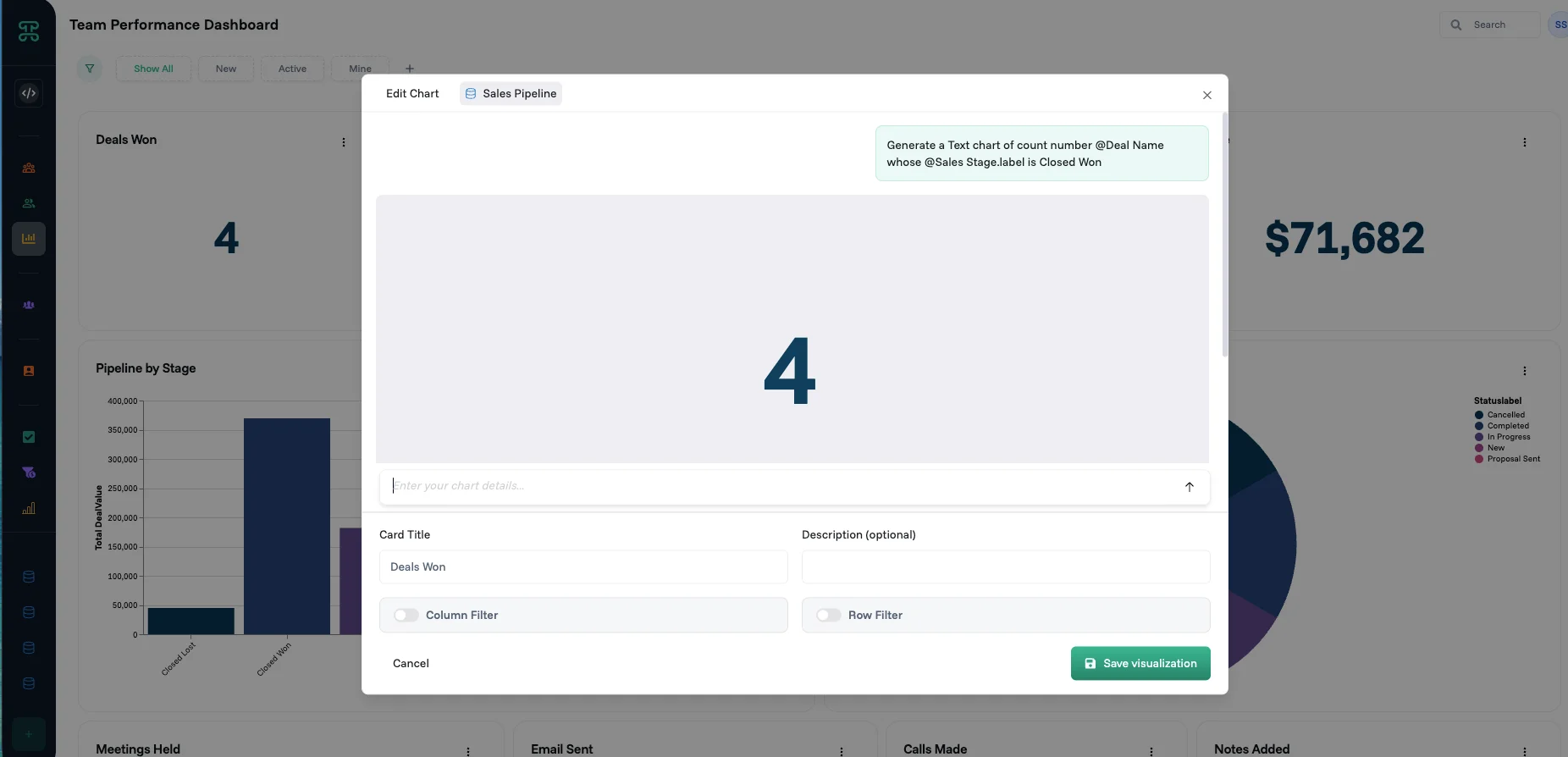
AI Intelligence - AI runs throughout Proma, not as a separate feature. Generate an entire system from a plain-language description, build a dashboard by asking a question, classify or summarize content inside automations, or get insights from your data in real time.
System Configuration
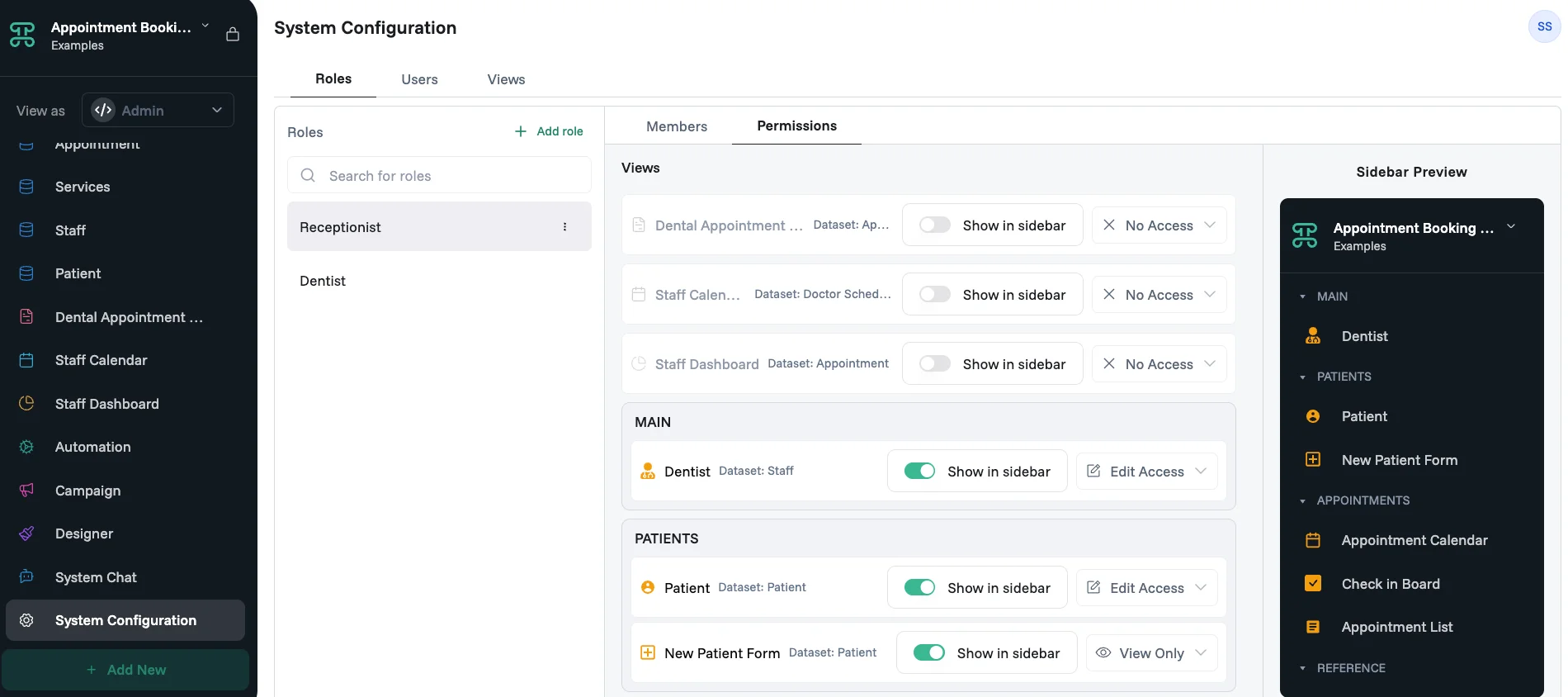
Every system has its own access settings. In System Configuration, you create roles, add members to them, and control what each role can see and do, from full edit access down to view-only or no access at all. This means a customer, an engineer, and a manager can all use the same system while seeing only what's relevant to them.
How components connect
Most systems follow a natural build order. Start with a dataset to define your data structure, add interfaces to give your team a way to view and interact with it, then layer in logic and automations to handle the rules and repetitive work. Designer and Campaign come in once the core is working.
A system can hold more than one dataset. Related datasets connect to each other, so information entered in one place stays in sync everywhere it appears.
Before you start building
1. Start with one dataset It's tempting to map out your entire business on day one. Start with the one process that causes the most friction and build that first. Once it works, connecting a second dataset is straightforward. Trying to build everything at once usually means finishing nothing.
2. Map your process first Write down the workflow you want to improve before opening Proma. Note the steps, who's involved, and what information passes between them. This makes it much easier to decide what columns, views, and automations you actually need.
3. Use AI to generate your first structure When you create a new system, describe what you need in plain language. Proma's AI will generate a starting dataset, columns, and views. You can then edit, add, or remove anything — it's a starting point, not a final answer.
4. Iterate with real users Your first version won't be perfect, and that's fine. Build it, use it with real data for a week, then refine based on what doesn't work. Proma is easy to change without breaking anything.
Next steps
Ready to build? Map your process, then start with your data structure in Dataset.